There’s no trade-off when it comes to retrieving lost data on your Apple device — only a reliable and secure data recovery from MacBook Pro®, MacBook Air®, Mac Mini®, Mac Pro® and iMac®.
Here’s Stellar Data Recovery Premium for Mac — a unique Mac file recovery application, specially tailored for macOS devices. The comprehensive software recovers your lost or deleted documents, photos, videos, movies, podcasts, emails, and audios, plus it repairs the corrupt photos and videos.
The DIY software features real-time disk monitoring, along with the ability to recover lost data from internal and external Mac drives.
The easy-to-use and safe to download Mac file recovery software is compatible with the latest macOS Ventura 13, Monterey 12 , Big Sur 11, Catalina, Mojave, and High Sierra.
Experience the unique software tool with its rich feature set here…


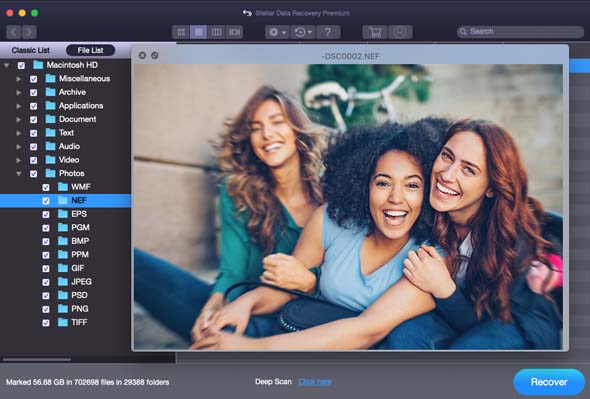
Quickly recovers your lost data – emails, documents, images, videos, photos, and audio recordings – of any file format on Mac. It easily restores deleted hard drive partition, Mac volume, Time Machine backup or encrypted start-up disk.
Its rich, intuitive GUI and customizable data recovery options facilitate precise file recovery. Further, innovative Deep Scan function and other advanced features maximize data recovery from Mac.
The software works in all common loss cases such as accidental deletion, formatting, virus attack, bad sectors, partition loss, macOS crash, corruption, and many more.
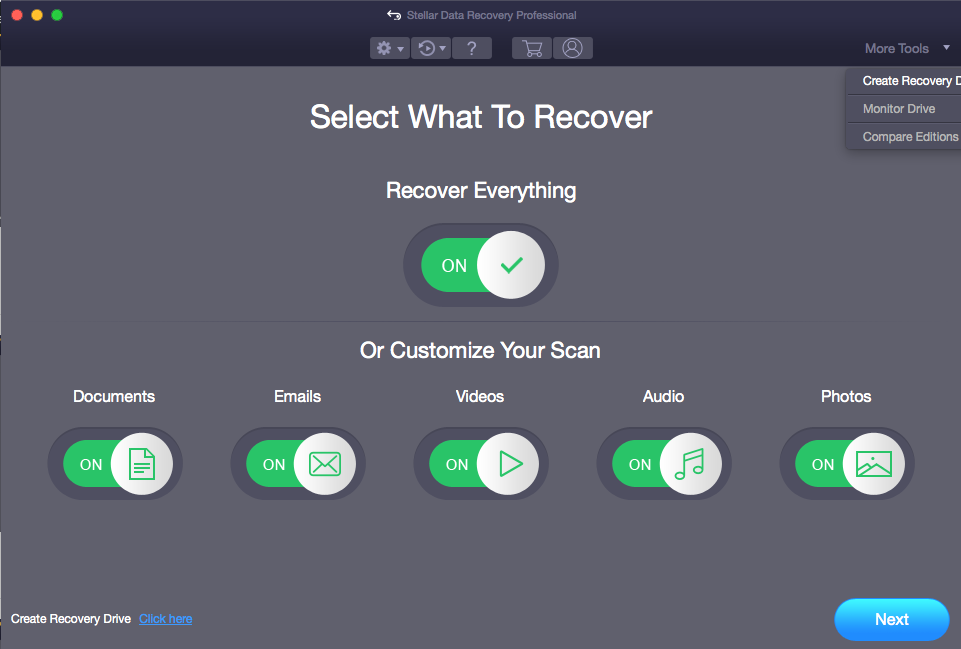
Facilitates data recovery from crashed or unbootable Mac. The software’s “Create Recovery Drive” feature allows you to create a bootable USB flash drive from a working Mac. The drive should have a minimum of 8 GB storage space and must not contain any data. Once the recovery drive is created, you can use it to scan inaccessible files and folders from the non-booting Mac. The software then allows you to save the recoverable files to an external hard drive. The bootable USB recovery drive can be used to retrieve inaccessible data from any crashed Mac any number of times.
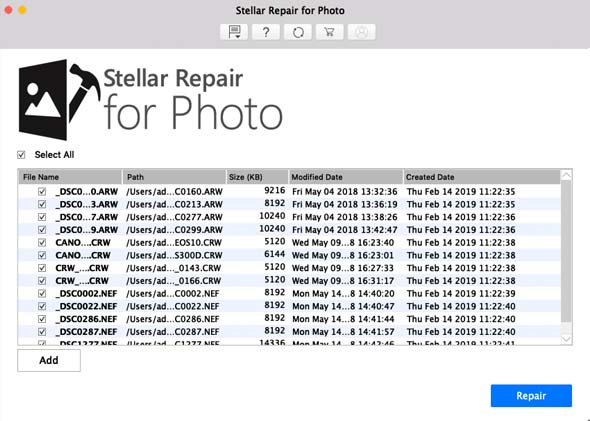
A one-off Mac data file recovery software that has a photo repair ability. Not just JPEG or TIFF files, it repairs the RAW camera files formats of popular brands such as Sony, Nikon, Canon, Fuji, Olympus, Kodak, etc.
Quickly fixes grainy, pixelated, greyed-out, color distorted and other photo issues in a simple 3-step process—Add File, Repair and Preview& Save. You can repair multiple image files of same or different format at a time. Thumbnails recovery from severely corrupt photos is available.
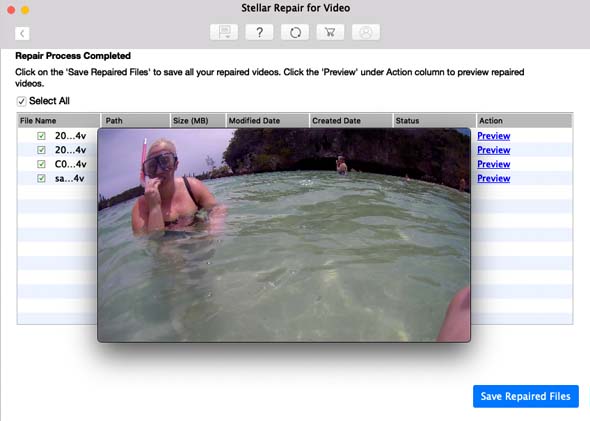
Use the video repair function of Stellar Photo Data Recovery Premium to fix your corrupt 4K HD videos on Mac. Repair grainy, choppy, blurry, missing sound, out-of-sync, truncated, broken, and other issues in the videos. The software is an easy and quick repair solution for your valuable videos shot from any digicam, DSLR, GoPro, drone, CCTV etc.
What more! Simultaneous repair of multiple videos; Preview of repaired videos; ‘Advanced Repair’ for severely corrupt files stored in any Mac drive, volume, SDXC, SDHC, or HDD etc.
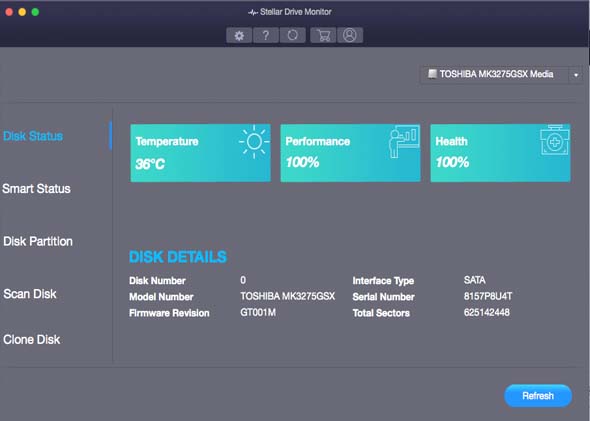
Keep real-time check on the health of your start-up drive and avoid bad sectors which might cause data loss. The ‘Monitor Drive’ function in the software provides live drive monitoring report by using S.M.A.R.T. (Self-Monitoring, Analysis, and Reporting Technology) technique. It scans and detects the problem in the disk and its partition, and immediately sends out a warning signal. In case of any bad sectors or other issue, the software lets you clone the affected drive to a new location, which could be an internal or an external storage drive.